Botón de seguridad
Añade una persona de confianza para que reciba notificaciones cada vez que viajes, comparte tu ubicación en tiempo real o contacta con emergencias.

Conviértete en conductor y empieza a ganar dinero

¿Por qué elegir Cabify?
Tu seguridad es nuestra prioridad
Con viajes geolocalizados, conductores identificados y un botón de seguridad disponible para cuidarte durante el viaje.
El estándar de calidad más alto
Conductores profesionales, vehículos modernos y posibilidad de elegir tus preferencias de viaje de la forma más fácil. Por fin viajarás como te mereces.
Claridad y transparencia en los precios
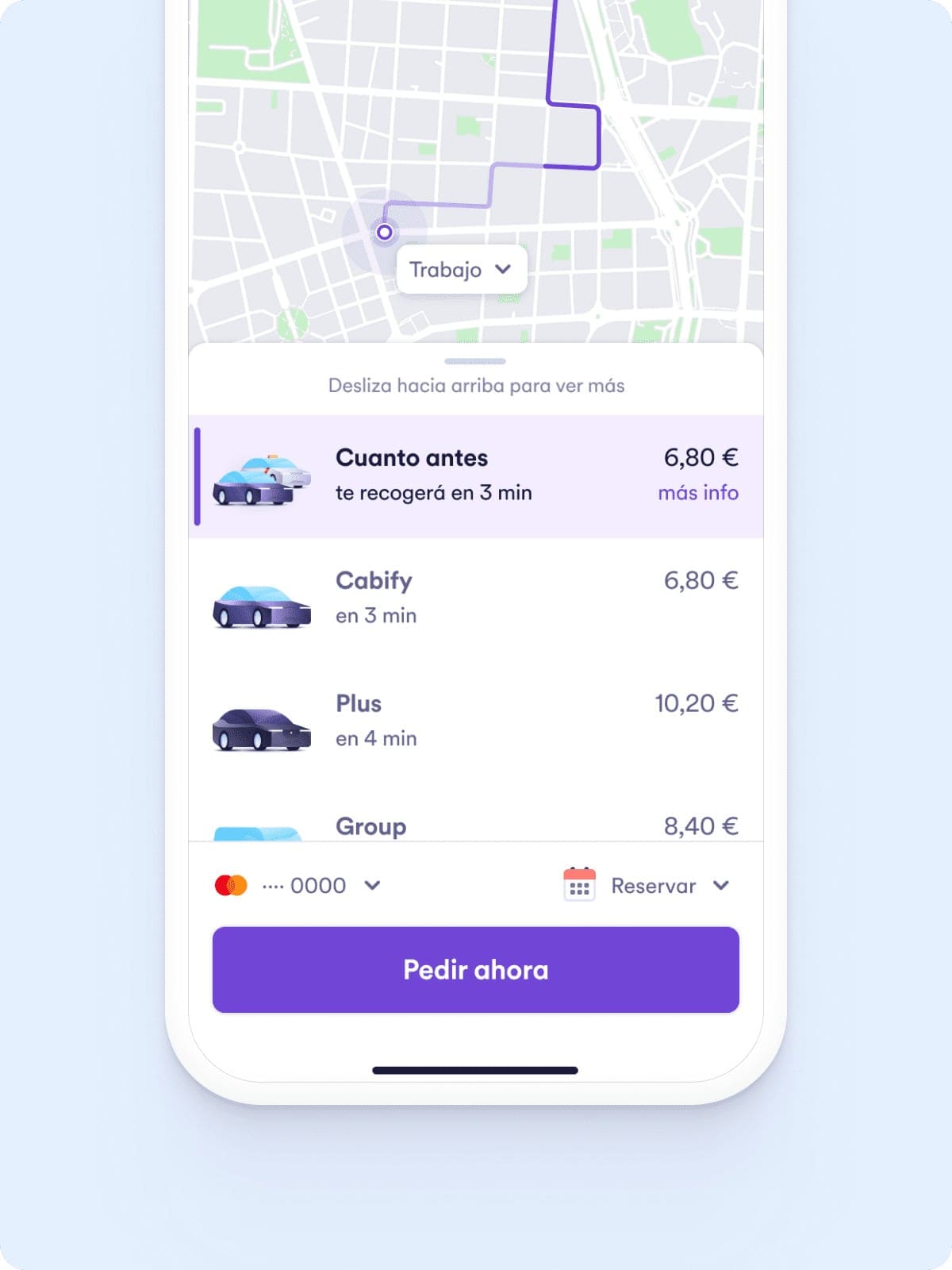
Siempre te mostramos el precio antes de aceptar el viaje para que tú decidas cómo moverte por la ciudad. Sin sorpresas.



Cabify para empresas
Tus empleados o clientes se moverán de la manera más rápida y segura. Controla desde una sola plataforma todos tus gastos, sigue todos los viajes en tiempo real y establece límites de horarios, precios y zonas.
Cada detalle que forma parte de nuestro servicio se ha creado teniendo en cuenta tu seguridad

Añade una persona de confianza para que reciba notificaciones cada vez que viajes, comparte tu ubicación en tiempo real o contacta con emergencias.

Cada viaje está geolocalizado y puedes compartir tu viaje con tus amigos o familiares para que sepan dónde estás.

Nuestro equipo de atención al cliente está disponible para ayudarte y responder a tus dudas y preguntas.
Cabify en tu ciudad


En nuestra web utilizamos cookies propias y de terceros para fines analíticos y personalización de anuncios.
Y como hay cookies y cookies, puedes aceptarlas todas pulsando el botón “Aceptar todas”; rechazarlas todas (menos las necesarias) pulsando el botón “Rechazar” o detallar cuáles nos dejas o no usar pulsando el botón “Configurar”. Pulsa aquí para más información.
If you are a casual user with one locked phone, weigh the risks. You might be better off paying a local repair shop $20 than risking a brick. However, if you are a technician or an advanced hobbyist, this tool will pay for itself after the first successful unlock.
A: Basic versions are free but limited. Paid versions (e.g., $10–$30) offer lifetime updates and new security bypasses.
A: No. This tool is Windows-only. You can run it using Parallels or Boot Camp on a Mac. Have you successfully used the MTK SPD Qualcomm FRP Unlock Tool? Share your experience in the comments below. If you need help with a specific model, describe your chipset and Android version – our community will assist you. Mtk Spd Qualcomm Frp Unlock Tool
Enter the solution: This piece of software has become the holy grail for technicians, repair shop owners, and advanced users. But what exactly is it? How does it work across different processors? And most importantly, is it safe?
This is the Google Factory Reset Protection (FRP). While it is a brilliant anti-theft feature, it becomes a nightmare if you forget the previous credentials, buy a second-hand locked phone, or inherit a device from a relative who has passed away. If you are a casual user with one
Published by: Tech Rescue Team Reading Time: 8 Minutes Introduction: The Frustration of FRP Lock Imagine this: You’ve just performed a factory reset on your Android smartphone—either to fix a software glitch, sell the device, or hand it down to a family member. You power it on, full of hope, only to be greeted by a dreaded screen: “This device was reset. To continue, sign in with a Google Account that was previously synced on this device.”
A: Install “MTK USB VCOM Drivers” manually via Device Manager. On Windows 10/11, disable “Automatic driver signing” and reboot. A: Basic versions are free but limited
In this article, we will dissect everything you need to know about the MTK SPD Qualcomm FRP Unlock Tool, including how it works, supported models, step-by-step usage, and legal considerations. Before we dive into the tool itself, you must understand the three processor architectures it targets. Your Android phone runs on a chipset (SoC). The FRP bypass method often depends heavily on which chipset powers your device. 1. MediaTek (MTK) MediaTek powers budget and mid-range giants like Xiaomi, Realme, Tecno, Infinix, and Samsung (Exynos variants aside). MTK devices are generally easier to unlock because they have vulnerable preloader and download modes. 2. Spreadtrum (SPD) – Now Unisoc SPD (Spreadtrum) chips are found in low-end devices from brands like Itel, Tecno, and some ZTE models. They are notoriously hard to work with using standard ADB commands, requiring specialized tools like the SPD Factory Tool. 3. Qualcomm (QD) Qualcomm dominates the flagship and upper-mid-range market (Samsung Galaxy S series, OnePlus, Xiaomi, Pixel). These chips are secure but have an Emergency Download Mode (EDL/9008) that can be exploited for FRP bypass.